

If you’re tired of juggling too many apps, switching endlessly between platforms, and still not finding what you want to watch, you’re not alone. Many people feel overwhelmed by the modern streaming world. You might even wonder how others seem to enjoy organized, smooth streaming while your setup feels scattered and confusing.
That’s exactly where IPTV Smarters steps in.
In 2026, IPTV Smarters has become one of the most user-friendly apps for managing IPTV subscriptions, helping you turn your device into a personal control hub for live TV, movies, and series—all without the frustration. Whether you’re completely new to IPTV or you’re switching from another app, this guide will walk you through everything you need to know in a clear, simple, and beginner-friendly way.
Table of Contents
What Is IPTV Smarters?
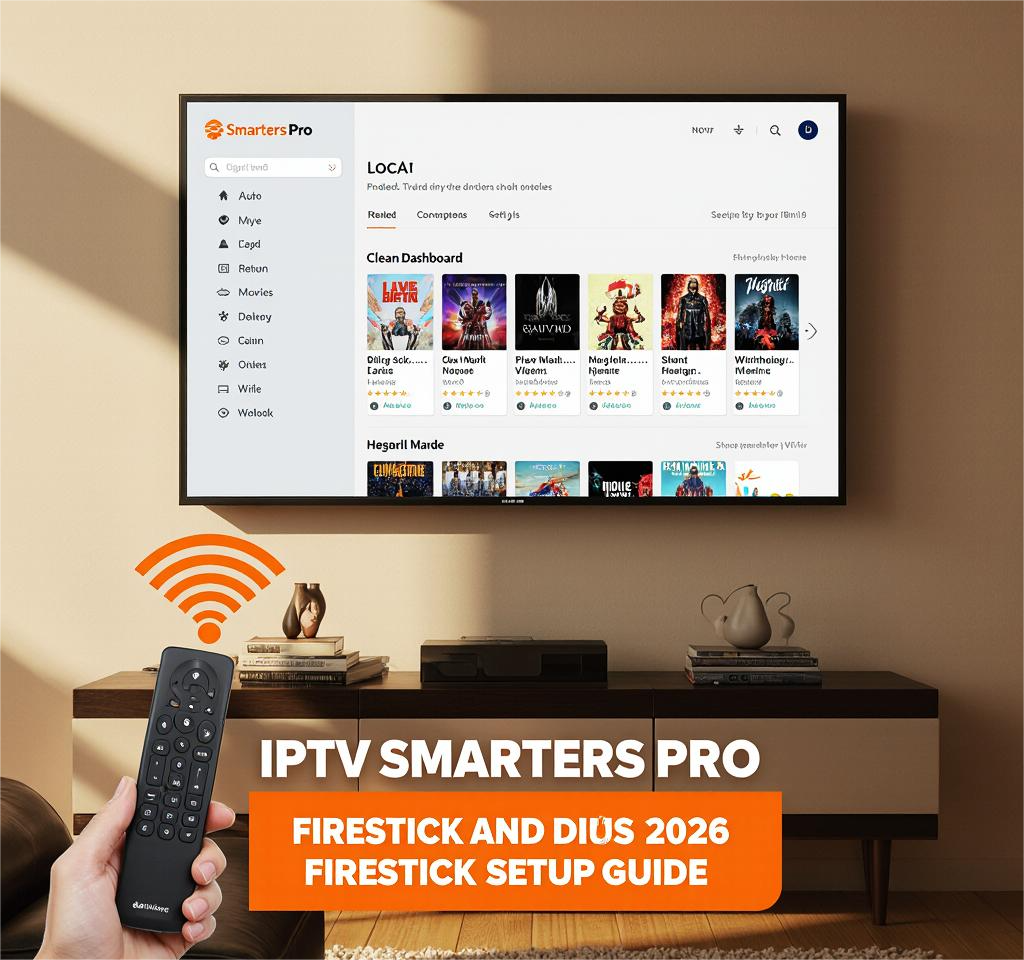
IPTV Smarters is an application designed to help you watch IPTV streams from your provider. It doesn’t offer channels on its own, but it lets you log in using the details from your IPTV service so you can access live TV, movies, and series in one place.
You can use IPTV Smarters on:
- Android phones
- iPhones and iPads
- Smart TVs (Samsung, LG, Android TV)
- Firestick
- Windows and Mac computers
- Tablets and streaming boxes
What Makes IPTV Smarters Unique in 2026?
In recent years, the app has been redesigned to support:
- A sharper and more modern interface
- Faster navigation and loading times
- Multi-screen viewing options
- Improved parental controls
- Smoother VOD and series organization
- Compatibility with more devices
- Better subtitle customization
If you’re new to IPTV, think of IPTV Smarters as the dashboard that keeps everything neat and simple.
How IPTV Smarters Works
You don’t need technical knowledge to understand IPTV Smarters. It simply organizes IPTV streams so you can enjoy content the same way you would on Netflix—clean, easy, and organized.
Understanding IPTV (Beginner-Friendly Explanation)
IPTV stands for Internet Protocol Television, which means you’re watching TV over the internet instead of through satellites, cables, or antennas.
Here’s what it means for you:
- Your channels load faster
- You get better quality options
- Updates happen instantly
- You can watch content on multiple devices
- You can enjoy live TV, movies, and series all in one place
Key Features You’ll Use the Most
1. Clean and Modern Dashboard
Everything is simple to navigate—Live TV, Movies, Series, Catch-up, and Settings.
2. Multi-Screen Option
You can watch two or more channels at once. This is perfect for:
- Sports fans
- Families
- Multitaskers
3. EPG (Electronic Program Guide)
This gives you a full TV schedule, so you always know what’s airing now or next.
4. VOD Library Layout
Your movies and series appear in categories with posters and descriptions.
5. Parental Controls
Useful if younger family members use the same device.
6. Subtitle & Language Customization
Pick your preferred subtitle size, color, and language.
How to Install IPTV Smarters on Any Device (2026 Guide)
Installing IPTV Smarters depends on the device you’re using, but the steps are always simple.
Install IPTV Smarters on Android or iOS
To install it on your phone or tablet, follow these steps:
- Open the Google Play Store or Apple App Store.
- Search for IPTV Smarters.
- Download and install the app.
- Open the app and select Login with Xtream API or Login with M3U.
- Enter the “username, password, and URL” provided by your IPTV service.
That’s it — your channels will load instantly.
Install IPTV Smarters on Firestick / Fire TV
Since Firestick doesn’t always show IPTV Smarters in the store, you can sideload it:
- Go to Settings → My Fire TV → Developer Options.
- Enable Apps from Unknown Sources.
- Install the Downloader app.
- Enter the IPTV Smarters APK link.
- Install and open the app.
Install IPTV Smarters on Smart TVs (Samsung, LG, Android TV)
Samsung & LG Smart TVs
- Open Samsung Store or LG Content Store.
- Search for IPTV Smarters Pro.
- Install and open.
- Enter your IPTV login details.
Android TVs (Sony, TCL, Hisense, etc.)
- Open Google Play Store.
- Search “IPTV Smarters Pro.”
- Install and log in using your provider’s details.
IPTV Smarters Plans & Pricing (2026 Overview)
Here’s a simple table to help you understand the available versions:
| Version | Features | Best For | Price |
|---|---|---|---|
| Free Version | Basic streaming, simple layout | Beginners | $0 |
| Premium Version | Multi-screen, advanced EPG, VOD improvements, device syncing | Advanced users | Varies by platform |
Keep in mind: IPTV Smarters is only the player, not the IPTV provider.
IPTV Smarters vs Other IPTV Players (2026 Comparison)
If you’re wondering how IPTV Smarters compares to the competition, here’s a clear look:
| Player | User Interface | Features | Device Support | Ease of Use |
|---|---|---|---|---|
| IPTV Smarters | Clean & modern | Multi-screen, EPG, VOD | All major devices | Very easy |
| Tivimate | Sleek | Highly customizable | Android only | Easy |
| XCIPTV | Advanced | Fast switching | Android | Medium |
If you want the simplest and most universal option, IPTV Smarters is the most flexible choice.
How to Add Your IPTV Subscription to IPTV Smarters
There are several methods to log in to IPTV Smarters depending on what your provider supports.
1. Login Using Xtream Codes API
This is the fastest and most stable method.
You’ll need:
- Server URL
- Username
- Password
2. Login Using M3U Link
This method requires a playlist link.
It works well but may load channels slower.
3. File Upload
You can upload your .m3u file directly from your device.
Step-by-Step Example
Here’s what you’ll typically do:
- Open IPTV Smarters.
- Tap Add New User.
- Choose Xtream Codes or M3U Playlist.
- Enter your IPTV service details.
- Click Login.
- Wait a few moments for the app to import channels and categories.
After that, everything is ready to watch.
Tips to Improve Your Streaming Experience in IPTV Smarters (2026)
Even the best IPTV app works better with the right settings.
Here are simple ways to improve performance:
1. Use a Strong Internet Connection
Aim for:
- Minimum: 25 Mbps
- Recommended: 50 Mbps+
2. Use Wired Internet When Possible
Ethernet gives you fewer interruptions.
3. Update the App Regularly
New updates fix bugs and improve speed.
4. Clear Cache Every Few Weeks
This keeps the app running smoothly.
5. Use a VPN (If Needed)
A VPN can help protect privacy and sometimes improve streaming stability.
Common Issues and How to Fix Them
Even with good apps, occasional issues can happen.
Buffering Problems
- Check your internet speed.
- Restart your router.
- Reduce video quality to test.
Login Errors
- Confirm your username, password, and URL.
- Make sure your subscription is active.
- Try switching to the Xtream Codes login method.
App Crashing or Not Opening
- Clear cache.
- Update the app.
- Reinstall if needed.
Is IPTV Smarters Safe and Legal to Use in 2026?
Yes — IPTV Smarters is safe and legal as an application.
The legality depends on your subscription provider.
If you use a legitimate IPTV service, the app is fully legal.
So always make sure you choose trustworthy sources for your IPTV streams.
Conclusion
IPTV Smarters continues to stand out in 2026 because it gives you the freedom to organize live TV, movies, and series in a clean and simple interface. Whether you’re just starting with IPTV or switching from another player, IPTV Smarters makes everything easier. With the right setup and IPTV provider, your entertainment experience becomes smoother, faster, and more enjoyable.
If you want more control, better organization, and a smarter way to stream, IPTV Smarters is one of the best tools you can add to your devices today.
FAQ — IPTV Smarters (2026)
1. What is IPTV Smarters used for?
It helps you watch IPTV content from your provider in a clean and organized interface.
2. Do I get channels directly from IPTV Smarters?
No, the app doesn’t provide channels — you must use your own IPTV subscription.
3. Is IPTV Smarters free?
Yes, the basic version is free. The premium version offers more features.
4. Is IPTV Smarters safe in 2026?
Yes, as long as you download it from official stores or trusted links.
5. Why is IPTV Smarters popular?
Because it’s simple, fast, compatible with many devices, and ideal for beginners.